Complete Digital Signage Platform

Take control of
your digital displays

TDS is a powerful, easy-to-use digital signage management system designed for venues. Upload media, build playlists, schedule content, and manage every screen — all from one dashboard.

TDS Dashboard

Everything you need to manage venue signage

From upload to display — a complete solution with no issues.

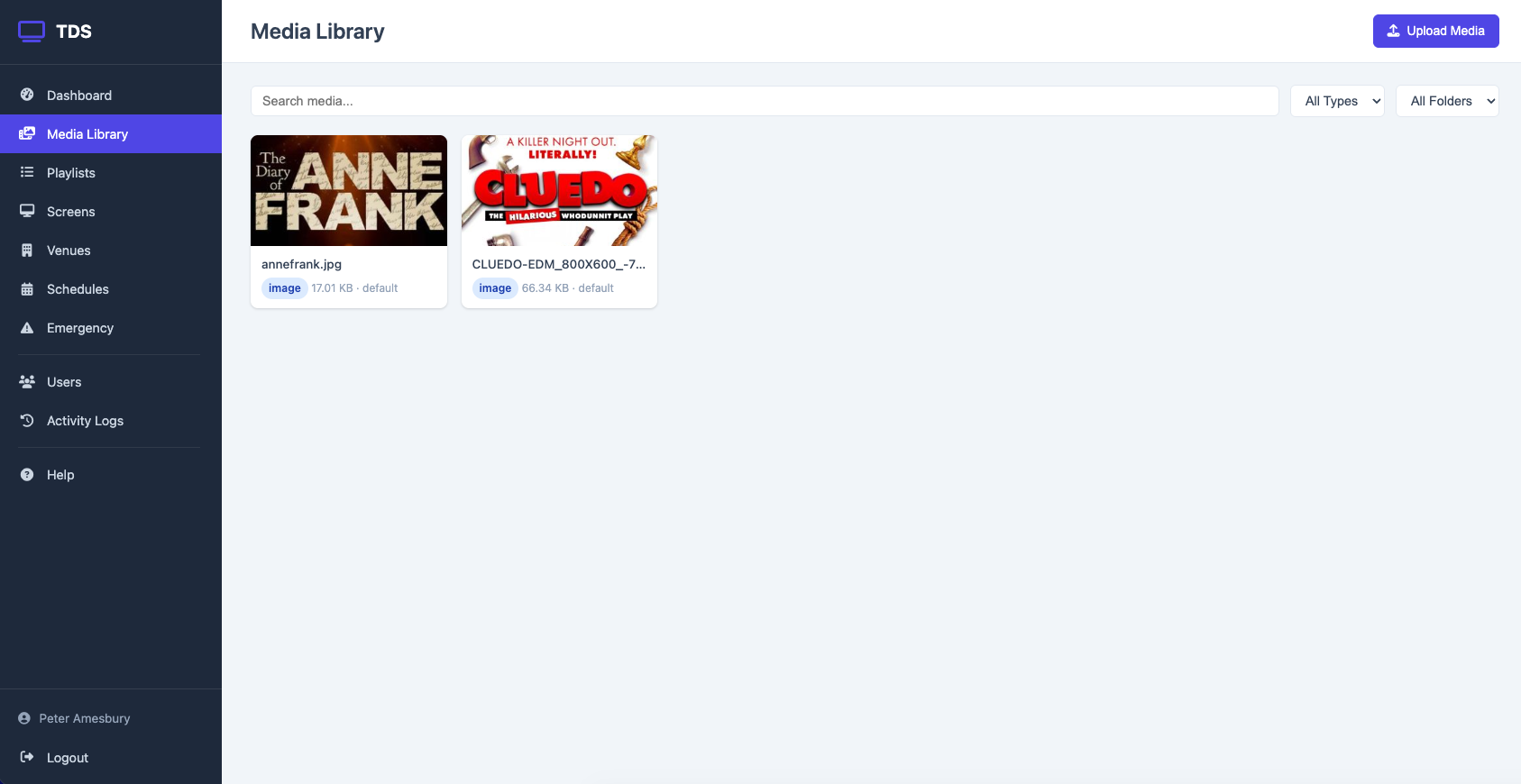
Media Library

Upload images and videos with drag-and-drop. Organise with folders and tags. Supports JPG, PNG, GIF, WebP, MP4, WebM, and MOV.

Smart Playlists

Build playlists with custom durations and transitions. Fade, slide, or crossfade between items. Drag to reorder instantly.

Screen Management

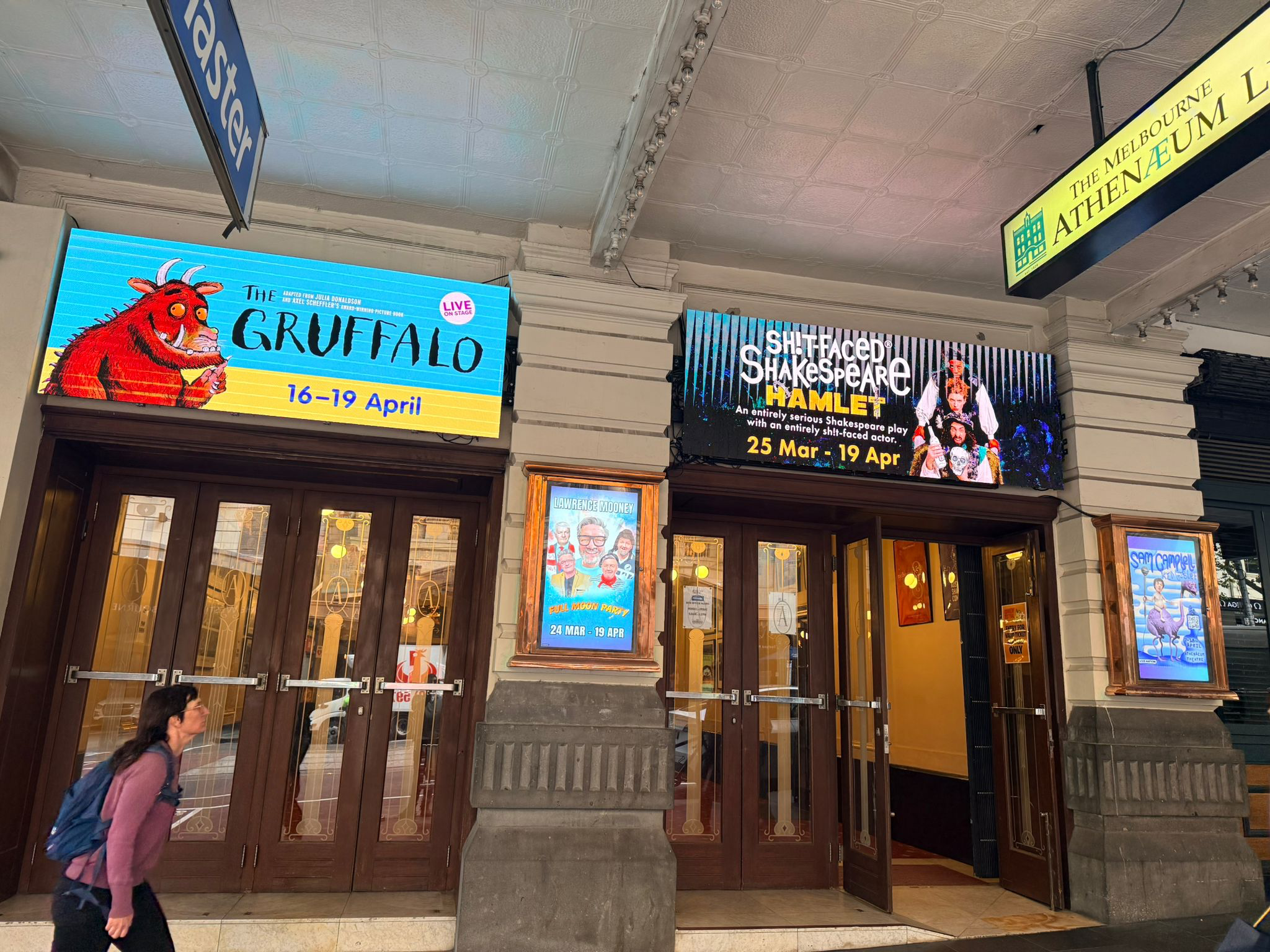
Register and monitor screens across multiple venues and zones. Real-time heartbeat monitoring shows which screens are online.

Scheduling

Schedule playlists by date, time, and day of week. Set priorities so the right content plays at the right time. Automatic fallback playlists.

Show Mode

One-click global override. When it's showtime, hit the switch and every screen instantly displays its show playlist. Toggle off to return to normal.

Emergency Alerts

Override all content instantly with emergency messages. Target all screens, a venue, or individual displays with customisable alerts.

From upload to on-screen in minutes

Upload Your Content

Drag and drop images and videos into the media library. Everything is organised with folders and tags for easy management.

  • Multi-file upload with progress tracking
  • Automatic thumbnail generation
  • Support for all major image and video formats
  • Up to 500MB per file
Media Upload

Build Your Playlists

Create playlists for different purposes — standard rotations, show content, promotions, or event-specific displays.

  • Drag-and-drop reordering
  • Per-item display duration controls
  • Smooth transition effects (fade, slide, crossfade)
  • Separate standard and show mode playlists
Playlist Management

Manage From the Dashboard

See everything at a glance — online screens, active schedules, recent activity, and the global Show Mode toggle.

  • Real-time screen status monitoring
  • One-click Show Mode activation
  • Activity log for full audit trail
  • Multi-venue, multi-zone support
Dashboard Overview

Smart content priority system

TDS automatically determines what to display based on a clear priority hierarchy. The right content, always on cue.

Emergency Alerts Highest priority
Show Mode Global override
Scheduled Playlists Time-based
Default Playlist Always-on fallback

Dedicated player for any screen

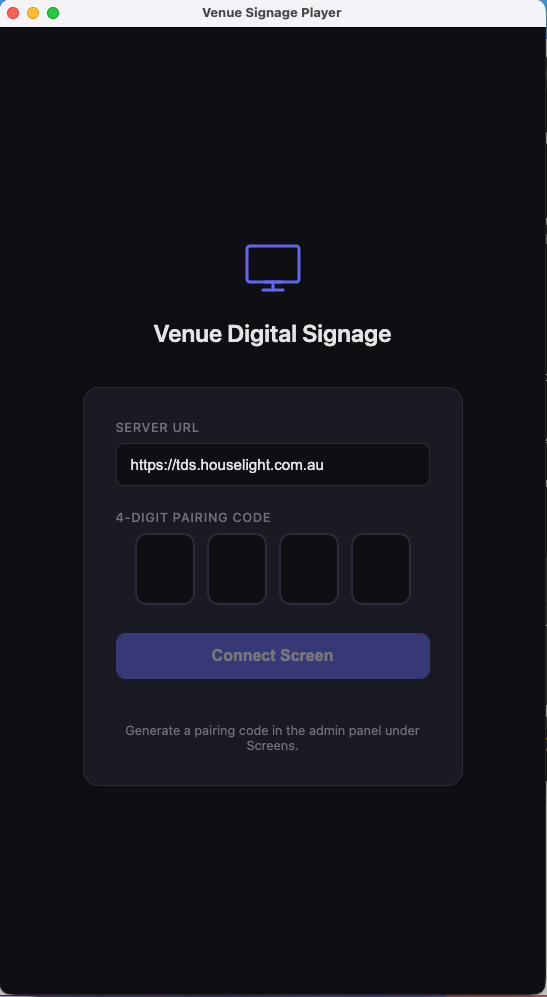
Purpose-built Electron application for Mac and Windows with offline caching and 4-digit pairing.

TDS Player App

Connect in seconds

Install the player app, enter a 4-digit pairing code, and the screen is live. No complex configuration needed.

  • Offline cachingContent plays even if the network drops
  • 4-digit pairingConnect a screen in seconds from the admin panel
  • Auto-updatesContent refreshes automatically every 30 seconds
  • Fullscreen displayClean, distraction-free presentation
  • Cross-platformAvailable for macOS (.dmg) and Windows (.exe)

Screens

Playlists

Media Files

$49.95

Monthly Fees

Ready to take centre stage?

Get in touch to see TDS in action or set up a demo for your venue.

Get In Touch